Description
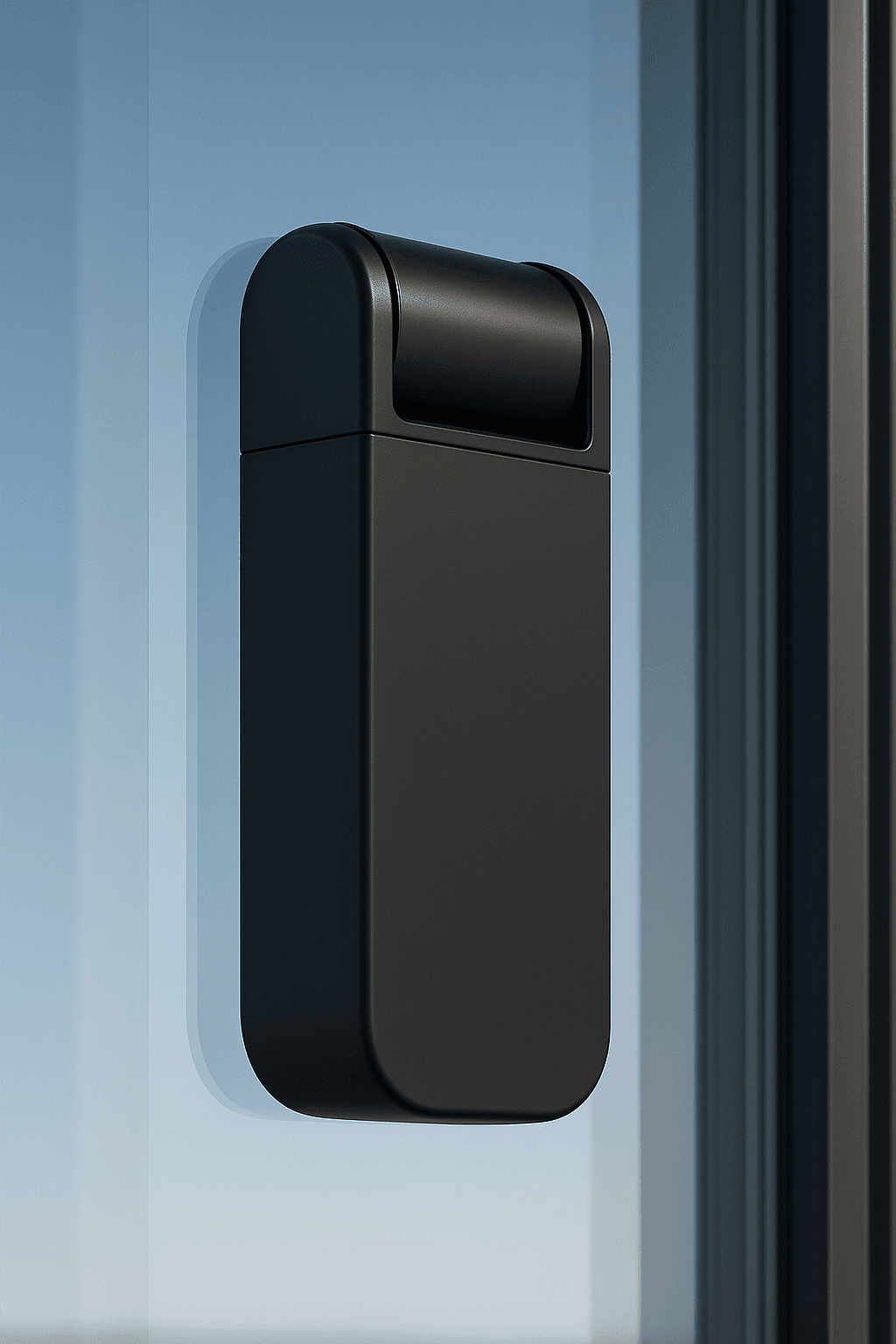
Innerscene SkySync is a window-mounted light sensing unit that captures the natural sky and delivers it indoors.
The device continuously measures sky color and ambient color temperature, streaming real-time data to Innerscene fixtures for faithful interior replication.
Sensing: A dual-sensor design combines a 10° sky sampling cone with a 180° diffuse ambient collector for precise, stable results. Operates wirelessly via integrated solar power with battery backup.
WIRELESS OPERATION
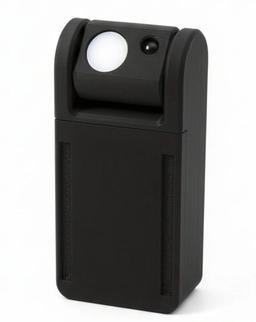
Power: Solar-powered with battery backup
Range: 30ft direct to fixture; 100ft+ with included Mini Hub
Operating Hours: Dawn to dusk (auto night suspend)
Communication: 2.4 GHz ISM band protocol (no router required)
INNERSCENE MINI HUB (INCLUDED)
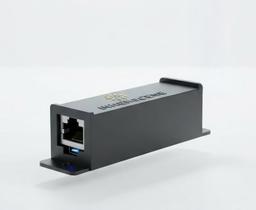
Included with every SkySync, the Innerscene Mini Hub receives SkySync data and rebroadcasts it to Innerscene fixtures three ways: a stronger 2.4 GHz wireless signal (no network required), the local network, or Cloud Services, extending range across larger installations.
Power Options
PoE: IEEE 802.3af
USB-C: 5V DC
Network
Ethernet: DHCP
WiFi: Web UI
Output
Wireless: 2.4 GHz
Local: UDP
Cloud: TCP
DEVICE SPECIFICATIONS
| Sky Sensor FOV: | 10° narrow field of view |
|---|---|
| Ambient Sensor: | 180° diffuse light collector |
| Wireless Range: | 30ft direct; 100ft+ with Mini Hub |
| Power: | Solar-powered with battery backup |
| Setup Protocol: | Bluetooth Low Energy (BLE) |
| Safety: | Complies with UL 916, Battery UL 1642 |
| IP Rating: | IP20 (indoor use only) |
| Compatible with: | Innerscene Circadian Sky Innerscene Virtual Sun |
| Installation: | Removable tape mounting to interior windows |
DIMENSIONS
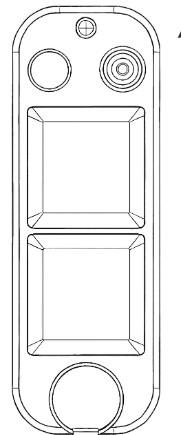
* Final dimensions subject to change
DUAL-MODE CONTROL SYSTEM
Schedule Mode: Fixtures follow real-time SkySync data to replicate exterior lighting conditions.
Dimmer Override Mode: External dimming control overrides schedule programming.
Auto-Switching: Fixtures automatically detect external control signals and return to schedule mode when dimming is idle, power cycle occurs, or via app control.